 MY TEK SUPPORT SOFTWARE MY TEK SUPPORT SOFTWARE |
NIC Configurator 2026 Is A Game Changer - Get It Today, You'll Love It!
Easily control advanced ethernet adapter settings across multiple computers! (702) 400-1288
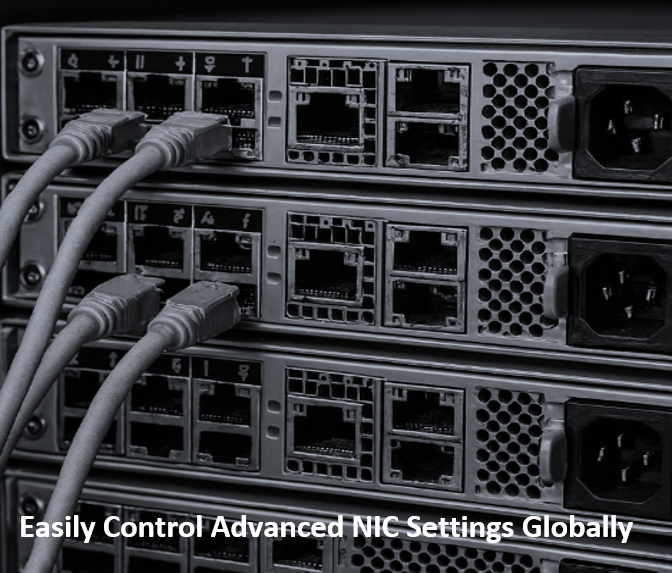
NIC Configurator 2026 by My Tek Support Inc is a powerful enterprise-grade solution designed to monitor computer connection status and to centrally manage and enforce consistent advanced network adapter settings across your entire organization. (Learn More) Our "All Servers" and "All Desktops" NIC Policies work together to save CPU cycles freeing up CPU for more computer tasks. Whether you're overseeing a small business network or a large-scale enterprise infrastructure, this software gives IT administrators the control they need from a single, unified console. With support for up to 30,000 network adapters (NICs) per console, NIC Configurator 2026 is built to scale alongside your business demands. Eliminate the time-consuming task of configuring each device individually — instead, push standardized settings or simply monitor settings across thousands of machines simultaneously, ensuring network consistency, reliability, and compliance throughout your environment. Ideal for IT professionals and system administrators looking to streamline network management and reduce configuration errors across large fleets of computers. |

Did someone secretly enable Wake-On-LAN or change DNS on an internal computer? Find out by monitoring all network adapters with NIC Configurator 2026! Buying is worth it, even if you only use NIC Configurator 2026 to prevent attackers from exploiting the Wake-On-LAN vulnerability and to monitor for inconsistent speed and duplex settings on domain computers. In high security environments, IT Admins should monitor if computer DNS server addresses have been changed to unwanted IP addresses, which could redirect network traffic to nefarious sites. NIC Configurator 2026 can monitor these addresses on each computer, send notifications via email and SMS if these configurations fall out of compliance with your DNS policy settings. If auto-config mode is enabled for these network adapters, NIC Configurator 2026 will automatically remediate these DNS server IP addresses to match your NIC Policy settings.
|
NIC Configurator 2026 (c) 2010, 2011, 2012, 2013, 2018, 2024 |
|||||||||||||||||||||||
|
|||||||||||||||||||||||
|
NIC Configurator 2026 is a powerful software tool that simplifies the management of THESE advanced network adapter settings across multiple computers from a central server console. Managing network adapter advanced settings on workstations and servers can be beneficial for several reasons:
Remember, you don’t need to change settings individually; NIC Configurator streamlines the process!
Connection Status
The following 64-bit operating systems are supported: Windows Server 2025, Windows Server 2022, Windows Server 2019, Windows Server 2016, Windows Server 2012 R2, Windows 11, Windows 10. PLEASE NOTE: This product is for Microsoft Windows enterprise environments where computers are part of an Active Directory forest/domain. NIC Configurator 2026 will only work on computers that are part of a Windows Active Directory domain. | ||||||||||||||||||||||